

 Android availability
Your ChatGPT account
Connect the account and ChatGPT plan you already use.
ConnectedFor team leads tired of prompting, checking and chasing
Hand over the preparation. Focus on the decisions that need you.
SIMY turns your essential checks into working steps. It reviews sources and prepares drafts, then brings decisions back to you.
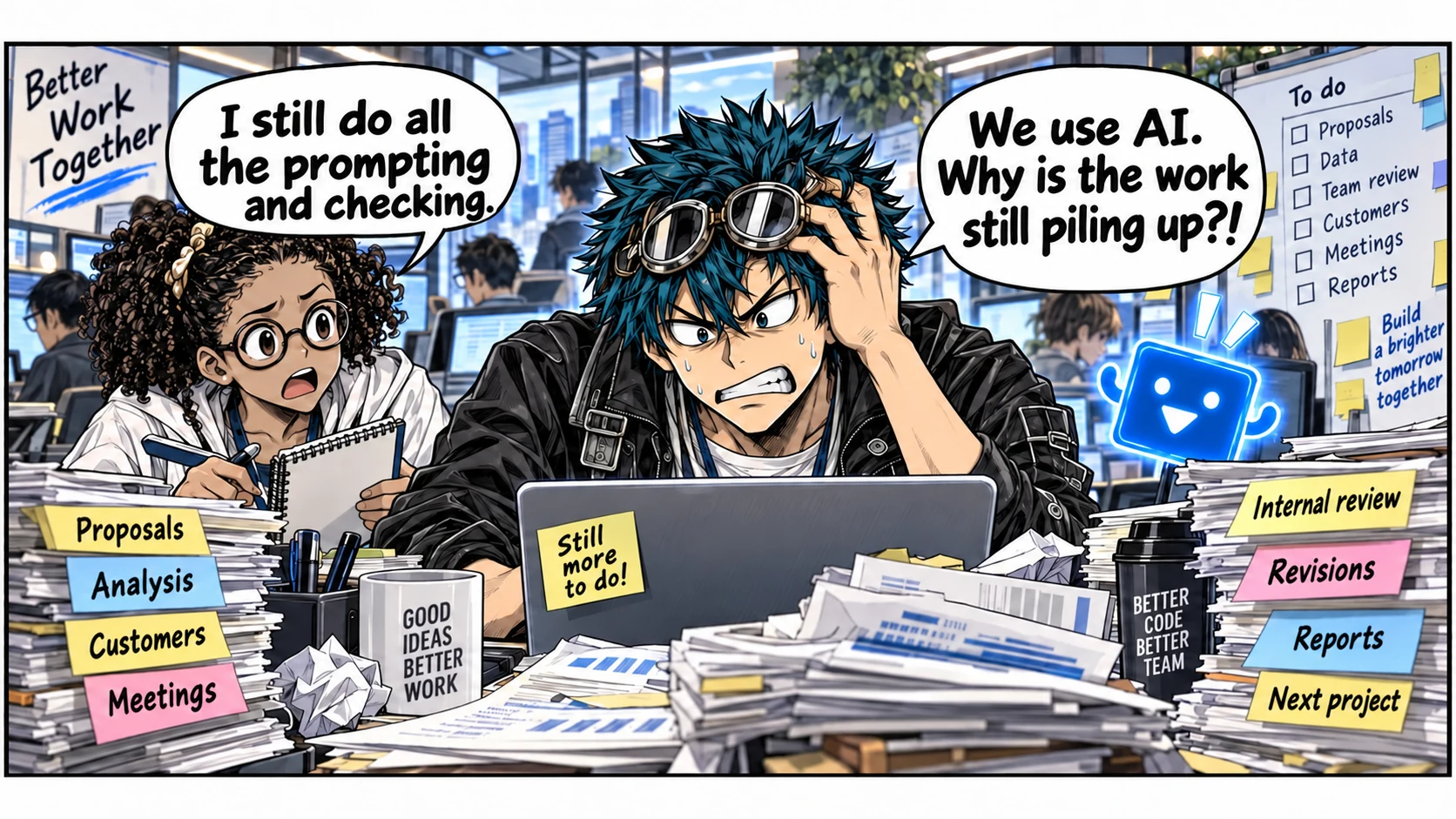
Start with one task
SIMY checks sources and drafts the reply. You review the content and request changes.
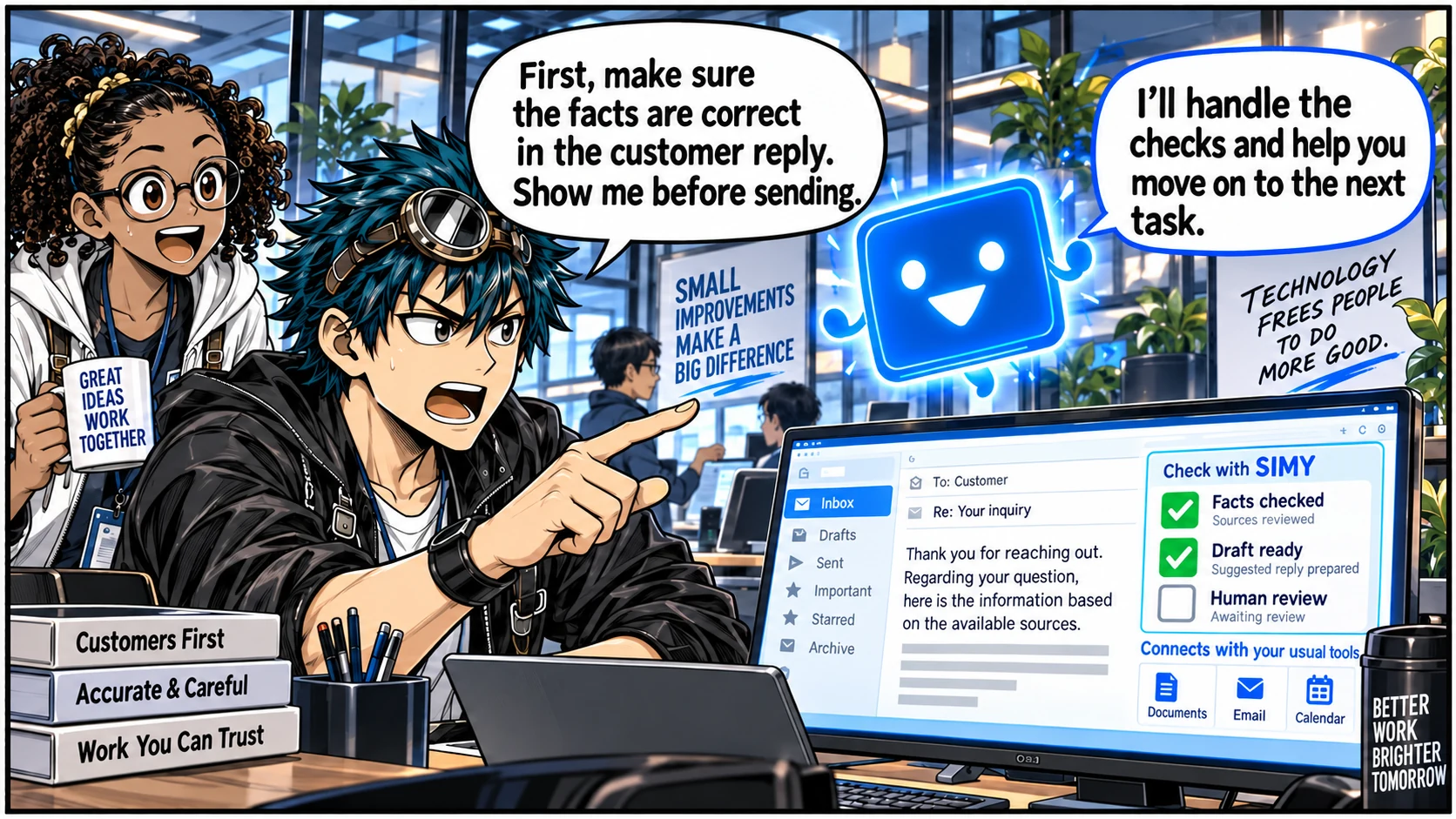
Review the draft's facts and wording. Nothing has been sent.
SIMY prepares. You decide.
Codex · Claude · Copilot
For Codex, connect the ChatGPT account you already use. Through Codex App Server, SIMY starts and continues Codex sessions for you; usage stays with your ChatGPT plan.
Connect the account and ChatGPT plan you already use.
ConnectedSIMY uses the app-server protocol to start and continue Codex sessions.
OpenAI documentationSIMY selects how the work should run and moves it forward.
Autorun runningCodex and ChatGPT are products of OpenAI. SIMY is an independent product.
FOR ENGINEERS
Describe what you want. AI handles implementation, testing, and fixes. SQM checks changes using rules developed from past bugs.
See what SIMY can do Build a feature · Fix a bug · Check quality“Add a search form.”
Illustrative example. You decide whether to release.
The SIMY loop
See what's done and what's waiting. Focus on the checks that need you.
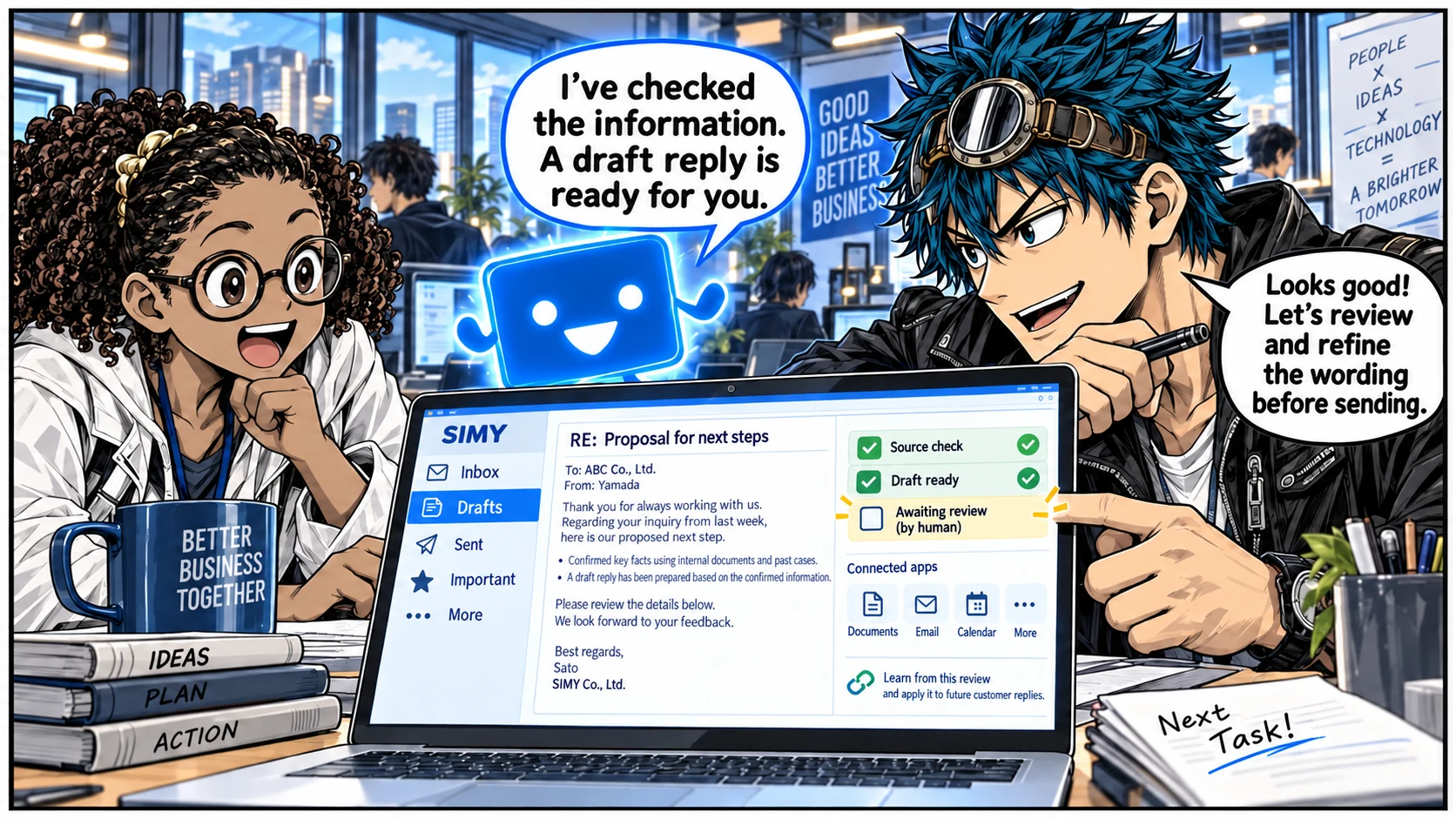
Review the conversation and output together. Ask for changes right there.
See work in progress, completed and awaiting review in one place.
Your focused Workflows stay ready. Whenever similar work returns, SIMY selects the right one automatically.
With consent, SIMY keeps purpose and context together, then turns decisions into the next steps while they are still fresh.
Completed work reveals the skills, judgment, and repeatable ways of working your team is building.
Connected apps
Connect your usual email, documents and calendar. Spend less time finding information again and more time moving work forward.
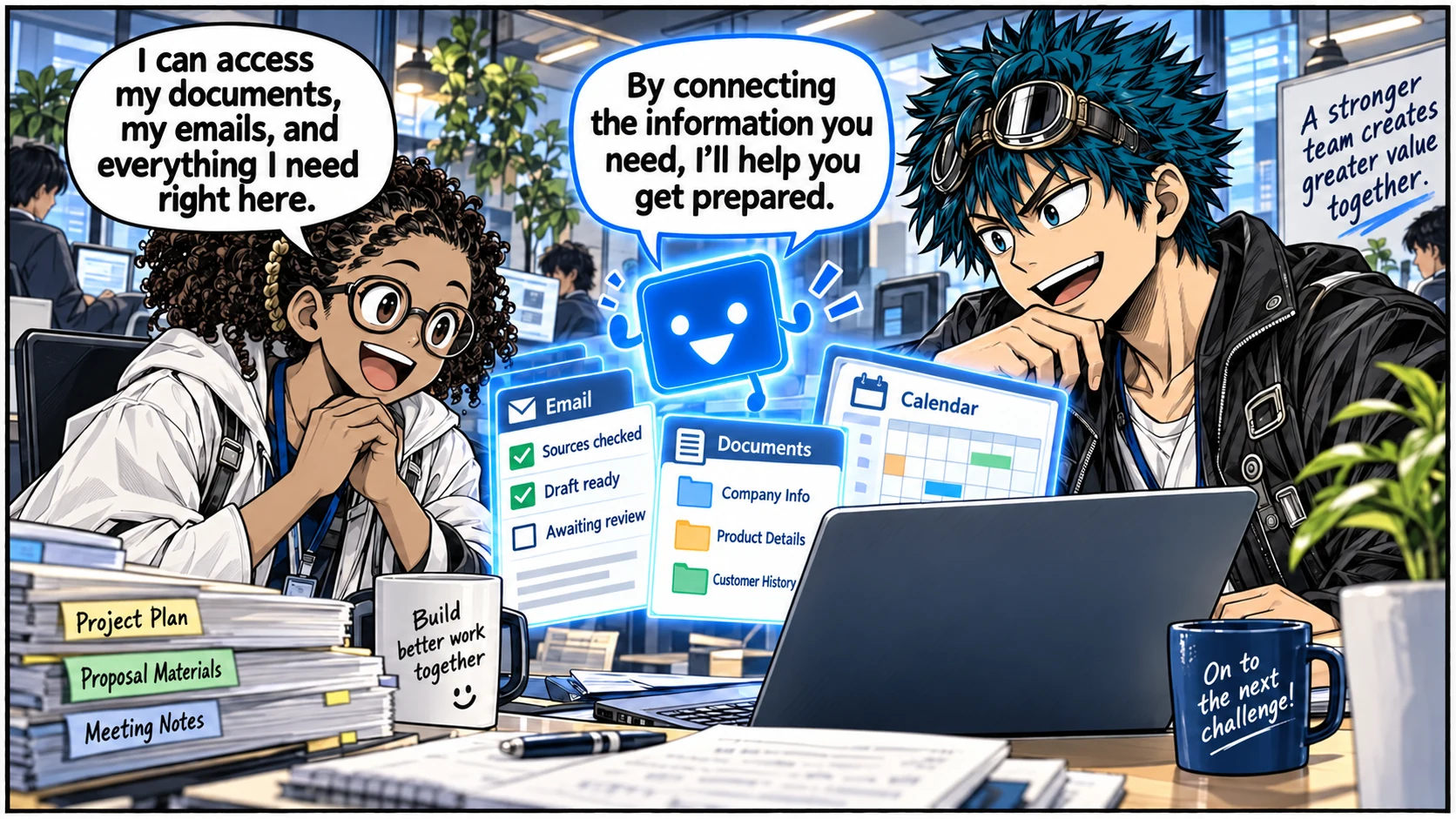
 SIMY
Workflow selected
Autorun running
SIMY
Workflow selected
Autorun running
Available access and actions depend on the accounts and permissions you connect.
Heard in the field
What we hear again and again in conversations with sales teams, clinics and manufacturers.
“We keep adding tools, and the work just keeps piling up.”
President, electrical contractor“I can type prompts in a browser, but that doesn’t turn into better operations.”
CEO, IT reseller“We can’t capture what happens in each doctor visit. It feels like a dead end.”
Medical rep, pharmaceutical company“The hardest part is getting people to actually run it, every day.”
Head office, dental group“After an order is won, follow-up depends on each person’s skill.”
Sales division, packaging manufacturer“I built SIMY for people who use AI every day and still don’t have less work.”
“The last review is always human. Emails stop at a draft.”
Start from the AI you already use
Quotes are anonymized from SIMY customer conversations in 2026.
The same checks, next time too
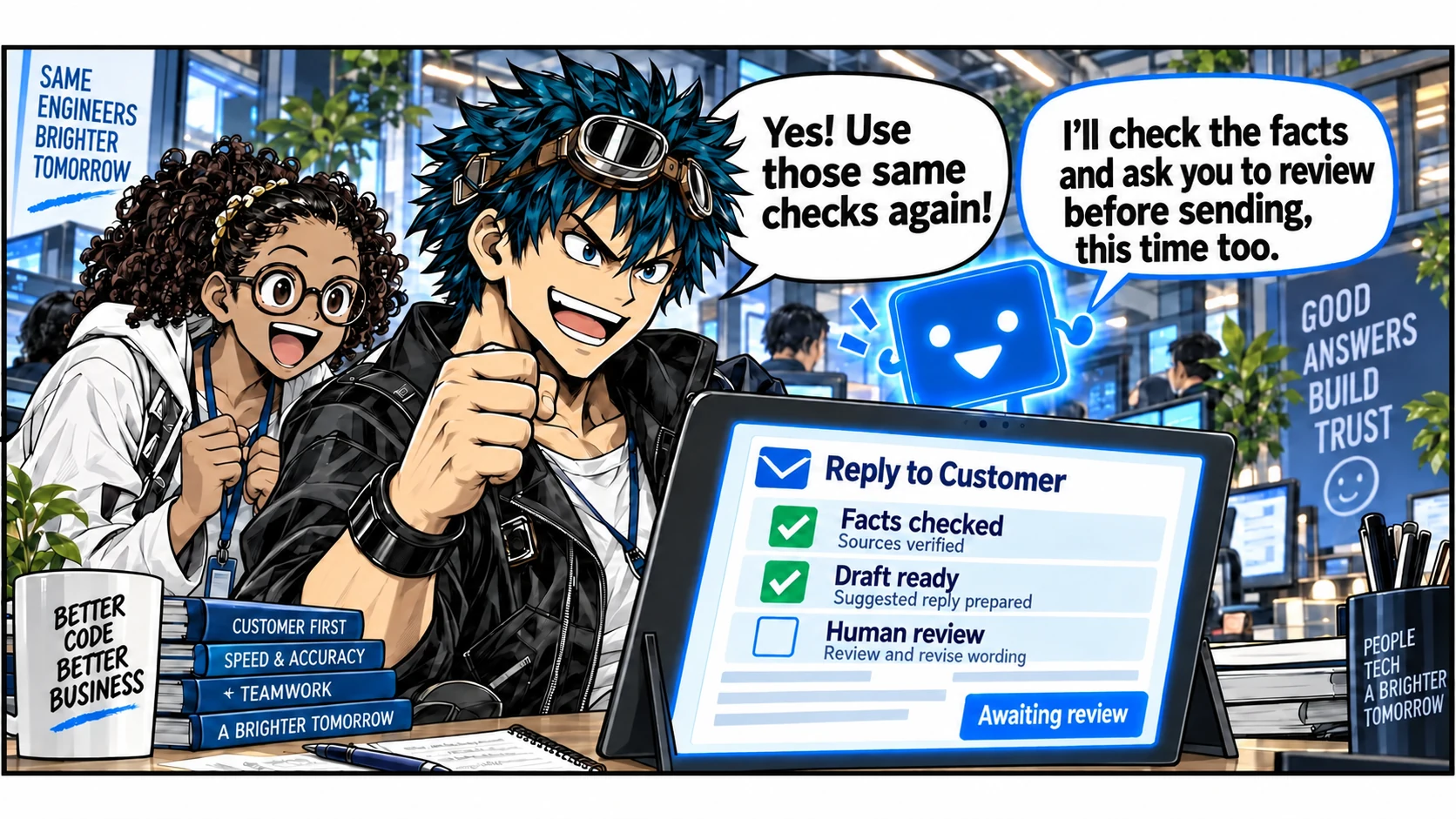
Check the sources behind the reply.
Review the draft's wording and content.
Apply the same checks to similar work.
Choose conversations that show how you work. You don't need to share every conversation.
Plans and getting started
From routine task automation to industry-specific quality checks. Compare plans and what's included.
Swipe to compare plans →
| Pricing · USD | 1 month free Starter $29.8 per month · billed annually per month · billed monthly before applicable taxes Annual total $357.60 · before applicable taxes tax included tax included $32.78 / month Choose a plan | Recommended 1 month free SIMY by Industry $59.8 per month · billed annually per month · billed monthly before applicable taxes Annual total $717.60 · before applicable taxes tax included tax included $65.78 / month Choose a plan | Enterprise Custom pricing We will confirm your organization size, security needs, and operating requirements, then recommend pricing and rollout. Talk to us about Enterprise |
|---|---|---|---|
| Autorun allowance | Unlimited | Unlimited | Tailored |
| Storage | 10 GB | 50 GB | Tailored |
| Codex account connection | Included | Included | Included |
| Meeting Autorun | Included | Included | Included |
| Save and reuse Workflows | Included | Included | Included |
| Use your connected ChatGPT plan | Included | Included | Included |
| Quality Loop | Not included— | Included | Included |
| Industry-optimized SQM | Not included— | IT Engineer · Financial Planner · Pharmaceutical MR · Dental Clinic | IT Engineer · Financial Planner · Pharmaceutical MR · Dental Clinic |
| Target error rate ≤3%* | Not included— | Included | Included |
| Logical database isolation by organization | Not included— | Not included— | Included |
| Enterprise rollout | Not included— | Not included— | Security and rollout support |
* The ≤3% error rate is a target when SIMY’s defined testing and verification criteria are met. It is not a guaranteed result.
Prices are shown in USD. Headline plan prices exclude tax. Japanese pages also show the price including 10% consumption tax. In other countries and regions, taxes may apply based on the billing address.
The purchase page shows the plans currently available for checkout and the final total before payment. Stripe securely processes payment.
SIMY
Describe the outcome in natural language. SIMY learns your working standards from the conversations you select, chooses a matching workflow, and uses Autorun to move the task forward. Reusable workflows connect your instructions, checks, and next steps.
With consent, SIMY carries meeting context and decisions into follow-up work. Connected apps supply the relevant messages, documents, and business information so you can prepare a customer response, a decision brief, or the next action in context.
My Actions shows work in progress, completed work, and items waiting for your input. Review results and provide the decisions or information the work needs. What SIMY can read or do depends on the accounts and permissions you connect.
How would you use it at work?
Pick one task you keep asking for. Let's work out what you can hand over.
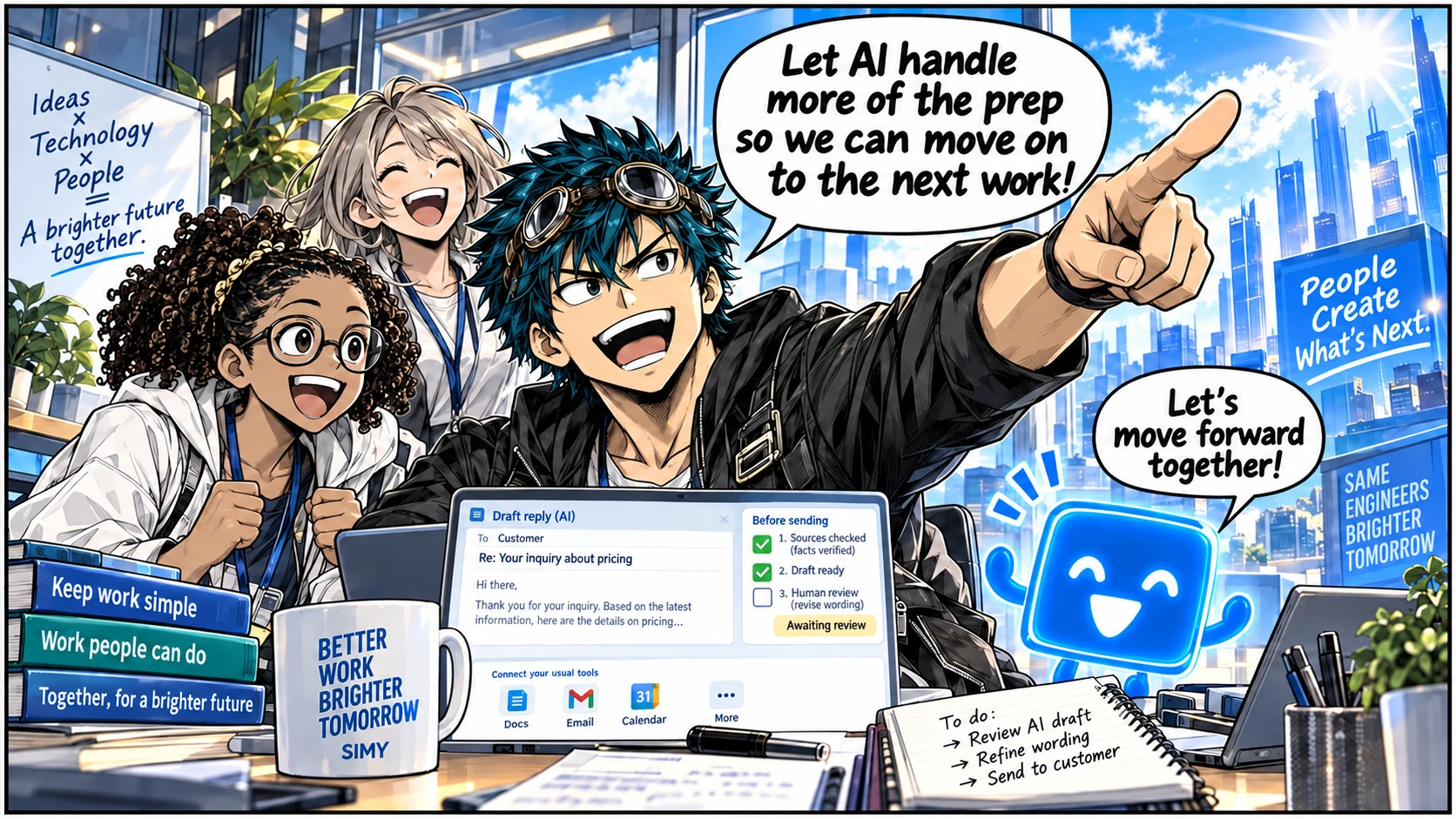
Comics illustrate usage. Screens and features may differ from the product. Sending and publishing depend on permissions and approval.